
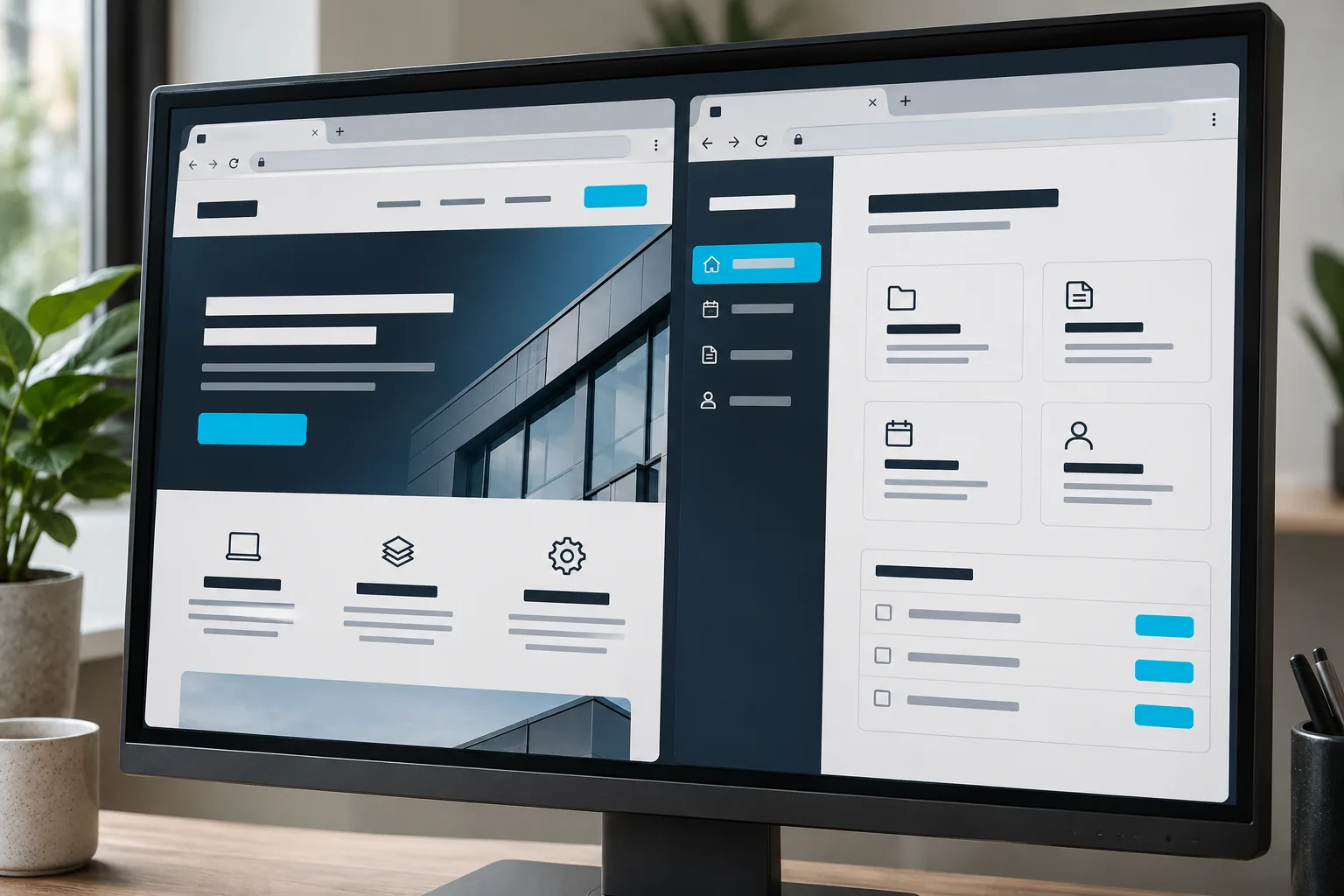
Generated concept showing a public website alongside a customer portal on a desktop monitor
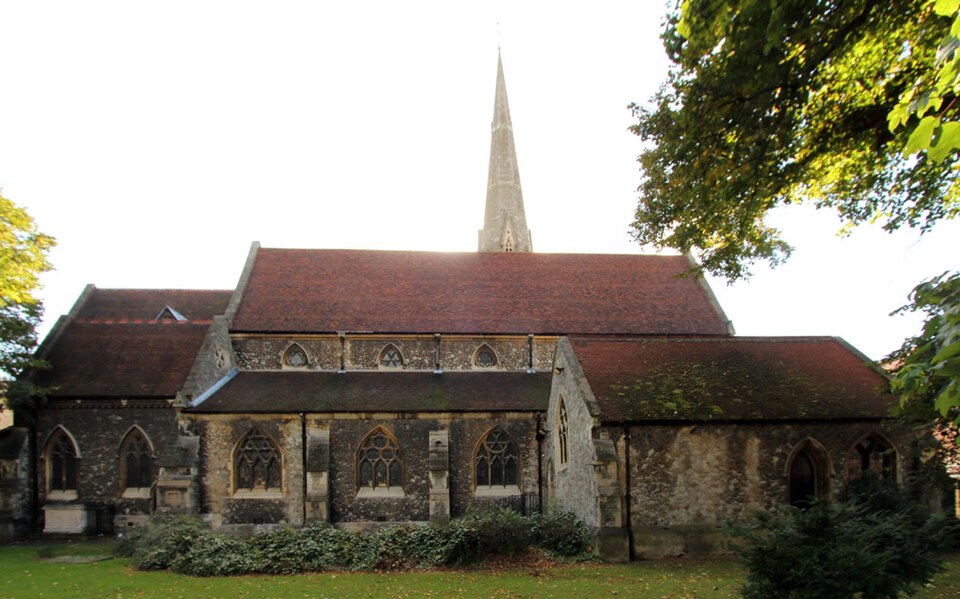
St Edward the Confessor Church in Romford Market Place
Illustrative generated website/application concept. Not a Romford client system or Xapner premises.
Web design & development for Romford

A website.
An application.
Or both?

Sometimes a business needs clearer service pages. Sometimes customers need to sign in, share records or track an order. We help Romford businesses separate those requirements before they become one confusing website brief.

Serving Romford through UK-wide remote delivery. This page does not represent a Romford office.

One decision before the design

What does the customer
need to do?

Romford is a town in Havering. A location-specific enquiry still needs a project-specific scope: a public website and an authenticated application have different editing, data and support responsibilities.Town context: Havering Council ↗

Read · understand · enquire

Start with a website

If visitors need to understand your services, browse approved examples and send an enquiry, focus on content structure and a dependable contact journey. Agree who edits the site and how enquiries reach the team.

Explore website development ↗
Sign in · act · keep records

Scope a web application

Accounts, shared records, user roles and operational actions need more than a visual redesign. Define permissions, data ownership, exceptions and acceptance criteria before choosing the implementation.

Explore custom applications ↗
Discover · transact · follow through

Connect the two

A public website can lead into an account or ordering journey. Plan the handoff between systems, including authentication and error handling, instead of assuming every tool can connect automatically.

Review integration scope ↗
Avoid the hidden second project

The interface is only
part of the specification.

Before website development in Romford moves into build, establish these responsibilities. They influence scope more than a list of attractive screens.

Content

Public websiteService copy, images, page ownership and an editing workflow.

Web applicationLabels, permissions, states and what people see when a task cannot complete.

Data

Public websiteForm destinations, appropriate collection and agreed retention responsibilities.

Web applicationSource records, migration, validation, access control and integration limits.

After launch

Public websitePlatform updates, content changes and enquiry checks within the support scope.

Web applicationMonitoring, external API changes and further releases agreed separately.

A public demonstration, not a client claim

See the difference
between a page and a tool.

The Xapner Restaurant POS demonstration is an example of a browser-based operational interface. It is useful when discussing application journeys; it is not presented as a Romford restaurant deployment or a promise that a proposed project already exists.

View the public demonstration ↗

Three things to bring

  • The task a visitor or team member needs to complete—not only the page you want designed.
  • The existing tools, accounts and records that the task depends on.
  • The smallest useful release and the person who can approve it.

Do not send passwords or customer records in a general enquiry. An anonymised workflow description is enough to begin.

Compare a demonstration with delivered work

The RJ Health Solution case study describes a delivered Xapner B2B portal with ordering, inventory and user permissions. Unlike the Restaurant POS demonstration above, it records an actual client project; neither is presented as a Romford deployment.

Website development and web application development need different acceptance checks. For an application, include who may view or change a record, what happens when a task fails and how the team will support users.

Questions before committing

Keep the scope understandable.

Do we have to replace the website to add a portal?

Not necessarily. We first review the current platform, required permissions and available integration paths. A separate application, an extension or a configuration change may be more appropriate than replacing everything.

Can a web application also work on a phone?

A responsive web interface can support agreed mobile journeys. A native or cross-platform mobile app is a separate decision when device capabilities or distribution requirements justify it; it is not automatically part of a website build.

Will a new website automatically improve search rankings?

No. Crawlable structure, useful content and working journeys are important foundations. Existing URLs, migration risks and ongoing search work need separate consideration; design changes alone do not guarantee rankings or enquiries.

Romford project planning

Start with the task.
We can scope the technology.

Tell us the audience, the action they need to take and the systems behind it. Use the form below to outline the work; we can then agree whether the brief needs a website, an application or a connection between them.

Discuss your Romford project ↗