Automation and AI Integrations
Lead routing, reminders, reporting, assisted drafting and integrations with existing business tools.
The challenge
The same small tasks eat the day: retyping an enquiry into the CRM, chasing a reminder, rebuilding the same report every Monday. They are individually trivial, which is exactly why nobody ever gets time to fix them, and why they quietly cost a person a day a week.
How we approach it
We implement focused automations and AI assistants that support staff - drafting replies, routing enquiries and pulling reports - while humans approve important decisions.
What is included
- Lead capture and routing to the right person or pipeline stage
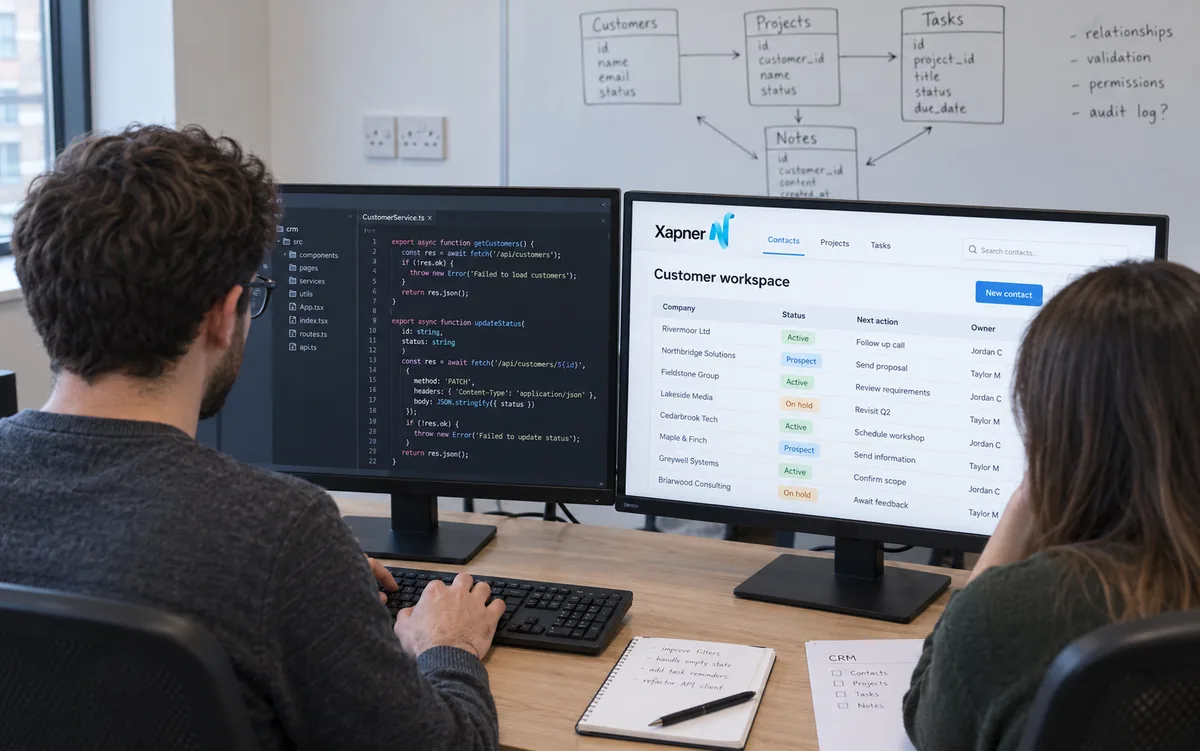
- CRM stage changes, task creation and reminder automation
- WhatsApp and email workflow support for common follow-ups
- Customer support triage helpers that suggest replies - staff review before sending
- Scheduled reporting pulled from approved data sources
- AI assistants connected only to business data you approve - not open-ended internet browsing
- Human approval steps on customer-facing or financial actions
- Third-party automation and AI API costs billed separately or paid by you to providers
Service capabilities
Selected work and results
Related client work, published products and approved campaign results.
AI voice receptionist, HVAC
AI automation build (First 45 days)
A commercial HVAC company in the USA was missing after-hours emergency calls. We deployed an AI voice receptionist trained on their dispatch rules, pricing and technician schedules, logging tickets straight into their CRM.
- $22,500 After-hours work booked autonomously
- 24/7 Coverage without added headcount
Capabilities: 24/7 first-ring answering, Emergency triage, After-hours fee quoting, CRM ticket logging
WhatsApp lead bot, property management
AI automation build
A UK letting team was spending over twenty hours a week answering repetitive tenant questions. We connected an AI assistant to their property database and CRM to answer, screen and book automatically.
- 3 seconds Response time, down from 12 hours
- 40+ hours Team time returned each week
Capabilities: Instant enquiry replies, Applicant screening, Automated viewing bookings, CRM sync
What is not included
Listed so there are no surprises at invoice stage. Anything here can usually still be arranged — it is quoted separately rather than assumed.
- Subscriptions for the tools being connected, and AI provider usage charges
- Decisions that require human judgement or legal responsibility
- Guaranteed accuracy from AI-assisted drafting, which stays under human review
- Rebuilding a process that has not been agreed and documented first
Typical delivery
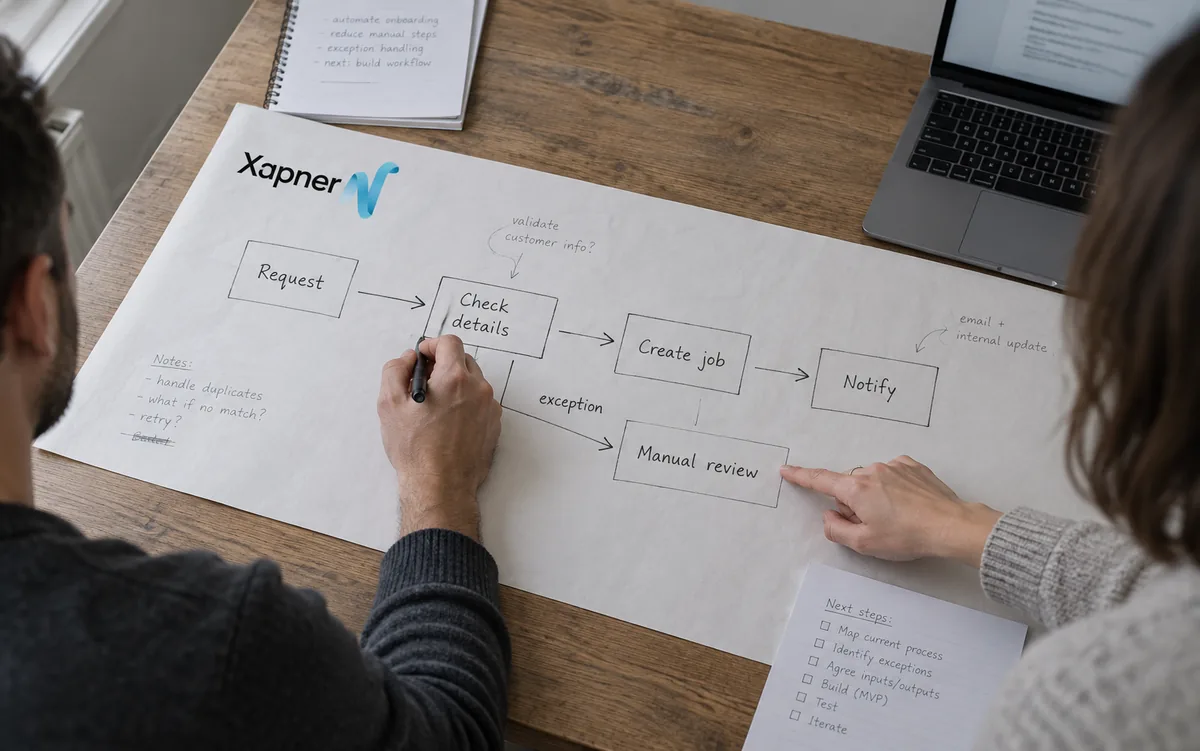
- Workflow audit. We identify repetitive tasks worth automating first - usually lead handling, status updates or reporting - and what must stay human-led.
- Design with guardrails. Each automation maps triggers, actions and approval points. AI assists staff; it does not send customer-facing messages without review unless you explicitly agree.
- Connect and test. Integrations are wired to your CRM, inbox or forms. Test runs happen with real sample data before going live.
- Monitor and tune. We review early runs with your team, fix edge cases, and document how to adjust rules as your process evolves.
Typical timeline
A workflow audit and process map come first. Simple connections between existing tools are usually live within days; multi-step automations with approvals and error handling are scoped and built in stages.
Ownership and handover
Automations run in accounts you control, using your credentials and your data. We document each step so your team can operate, pause or change the workflow.
Questions about this service
Will AI replace my team?
No. We use AI to reduce repetitive tasks and draft or route work. People remain responsible for decisions, quality and customer relationships.
Related guides
- How to Create an Automation Process Map That Staff Can Use — A workshop method for mapping triggers, decisions, data, handoffs and exceptions before choosing automation software or building an integration.
- Connecting Your Website to a CRM: A Reliable Implementation Guide — How to connect website enquiries to a CRM with clear field ownership, consent records, deduplication, retries and operational follow-up.
- Responsible AI Workflow Checklist for Business Operations — A risk-led checklist for deciding where AI belongs in a workflow, what data it may use, when people review it and how failures are handled.
Next step
Review the packages published within each service page, see related builds on the work page, or start a brief describing your goal, deadline and any systems that must connect. We reply with a practical next step rather than an automatic quotation.